
Turn Overdue Wellness Visits Into Booked Appointments
THE PROBLEM
Your Overdue List Is Ready. Working It Is the Hard Part.
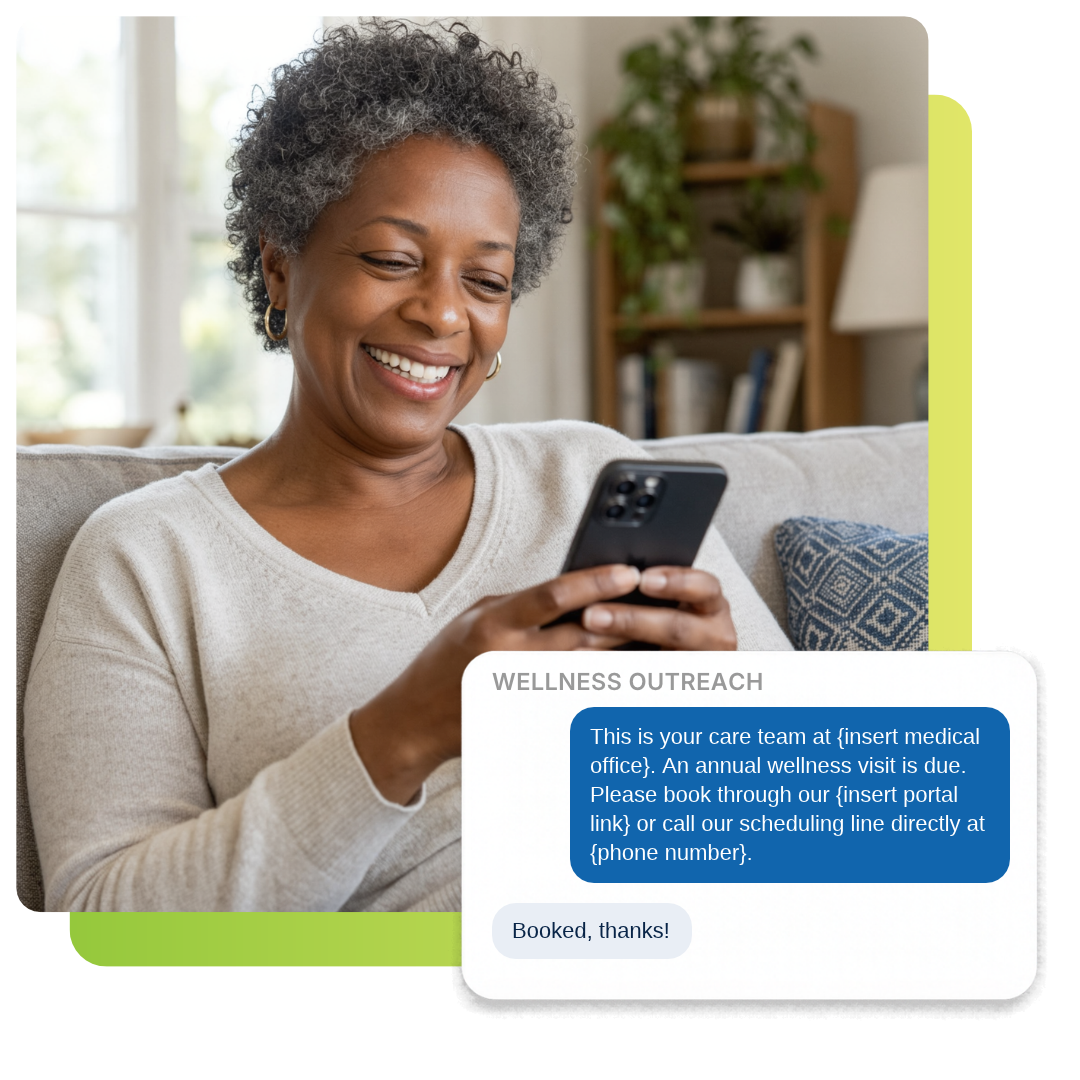
Wellness visit outreach starts with the list your EHR already has. The report runs in minutes. Then it sits while your front office answers the phones and checks patients in. A few calls get made, most go to voicemail, and next month the list is longer. Hand us that patient recall list. We reach every patient by text or with our AI receptionist, and they can book online, on the call, or with your team. It runs on your business phone system, so every text and call comes from the number your patients already know.
THE CALLS
Your AI Receptionist Makes the Calls
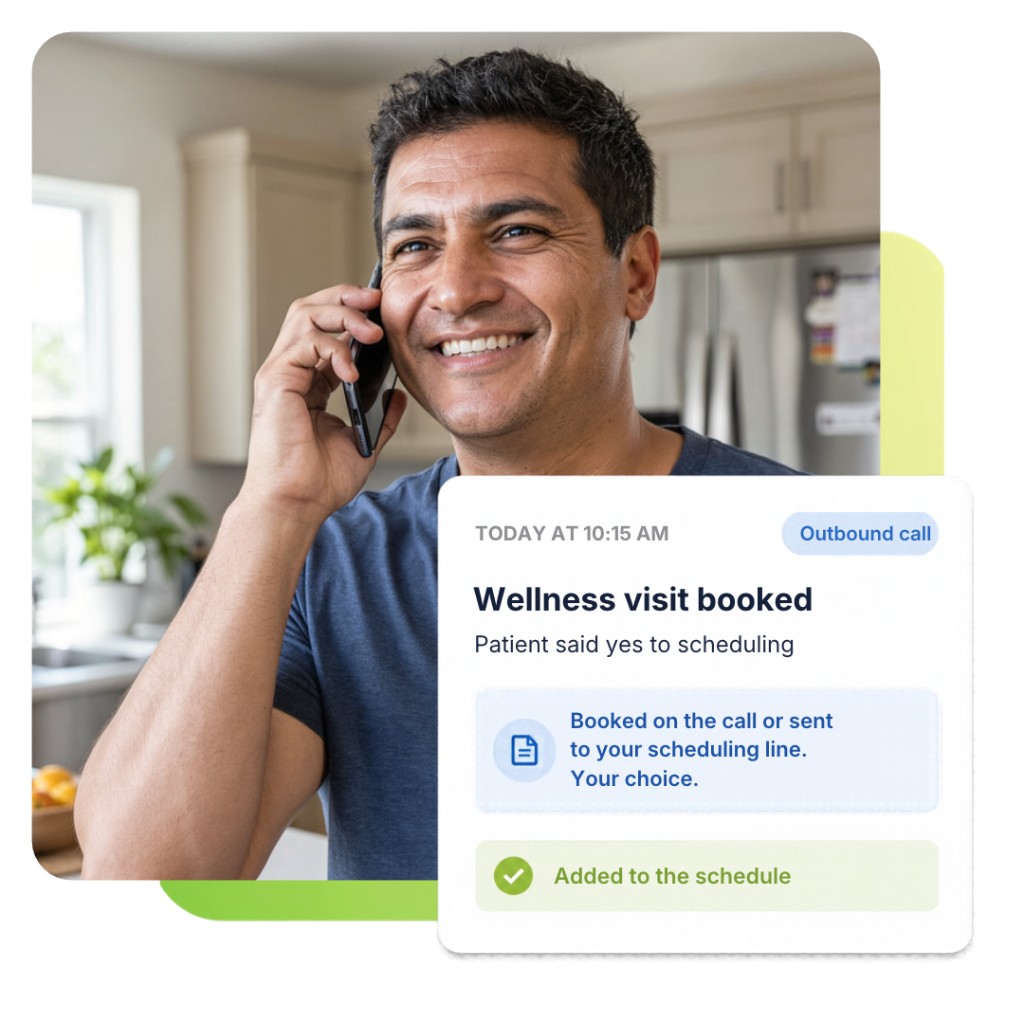
Some patients would rather talk than tap a link. Our outbound AI receptionist calls each patient from your practice number, says a wellness visit is due, and asks if they want to schedule. No patient names or health details are used on the call. If they say yes, it can book the visit on the call or transfer them to your scheduling line. No answer means a short voicemail asks them to call your office. A wrong number or a do not call request is flagged so that number is not contacted again.
FAQ
Frequently Asked Questions
Yes. We hold BAAs with every vendor that touches patient data, and texts and calls only say that a wellness visit is due.
No. If you already use VQTech business phones, outreach runs on your existing numbers.
Yes. The same process works for chronic care follow ups, flu shots, overdue labs, and other preventive visits.
Monthly works well for most practices. Save your eClinicalWorks Registry search and rerun it each month.
Yes. Patients can reply STOP to any text or ask not to be called, and they are removed from future outreach.
Leaving names out keeps patient information private if a phone is shared or a voicemail is heard by someone else. The patient is verified before any visit is booked, whether by your AI receptionist or your team.
A mobile phone column is required. An alternate phone, location, and patient account number are recommended. Save it as .xlsx or .csv.
Through your secure VQTech portal. We never ask you to email patient lists.
Yes, if your practice wants it to. On outbound calls it can book the wellness visit directly in your schedule, or transfer the patient to your scheduling line so your team books it. We set it up the way your practice prefers.